
Photo to anime at dusk
Preserve the subject's pose, jacket silhouette and street perspective. Redraw the scene with precise ink outlines, warm storefront reflections and hand-painted dusk colors.
Upload a picture and describe how you want to transform its style, setting or details.
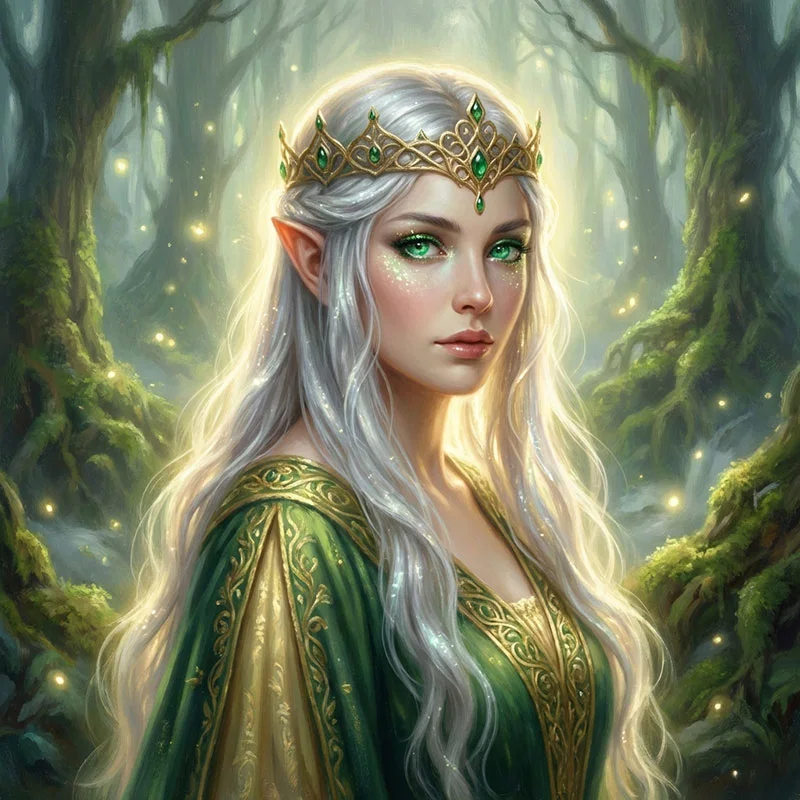
Image to image lets you begin with a real pose, a rough sketch or an existing render. Give the model a visual anchor and ask for a specific change to the drawing.
Upload a clear image that contains the pose, crop or scene perspective you need. Additional references can help when they show a distinct costume or color idea.
Name details such as the head angle and silhouette, then request a new jacket, color palette or drawing style. Start with one main edit so you can evaluate it clearly.
Compare the face, framing and background landmarks. If the result drifts, make the next prompt more specific about the part that changed unintentionally.
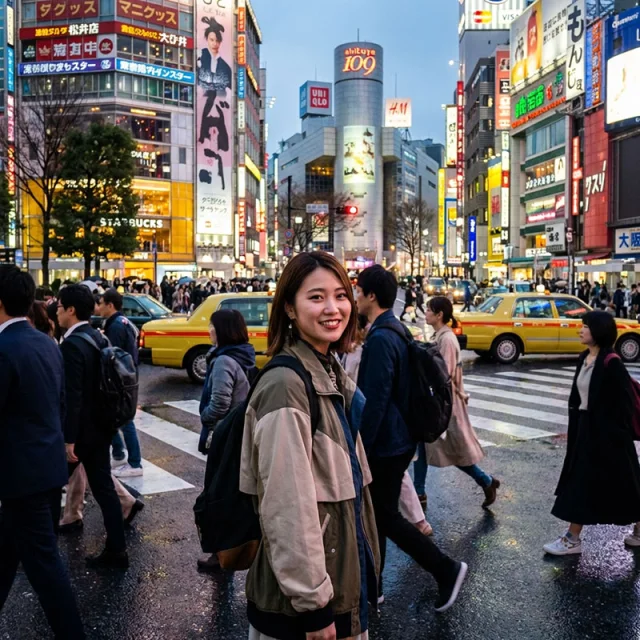
Source photo
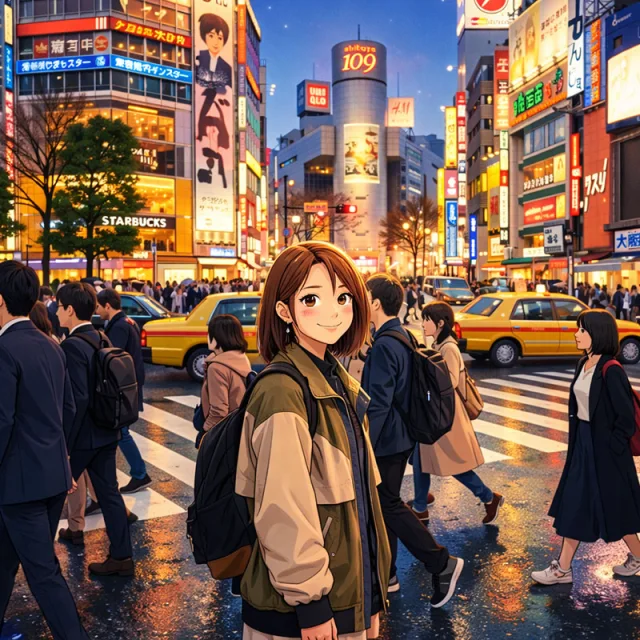
Anime redraw
Preserve the subject's pose, jacket silhouette and street perspective. Redraw the scene with precise ink outlines, warm storefront reflections and hand-painted dusk colors.
Keep the expression, hair and framing. Change the jacket to deep indigo with a narrow silver trim. Use the existing light direction and preserve the rest of the outfit.
A clear reference and a short list of must-keep features help anchor the redesign. Review facial features and key accessories after each generation before using the result as the next reference.
Yes. Export the sketch as a supported image file. Mention which lines define the pose and describe the surface colors or light you want the model to add.
The Ghibli-inspired tool starts with a prompt for watercolor texture, foliage and soft light. Use it with your own reference, then adjust the prompt to suit the scene.