How to Plan a 15-Second Anime Teaser
 Anime Builder
Build a 15-second anime teaser from three shots and one music cue. Use a sample storyboard, motion prompts, and an editing checklist to plan your cut.
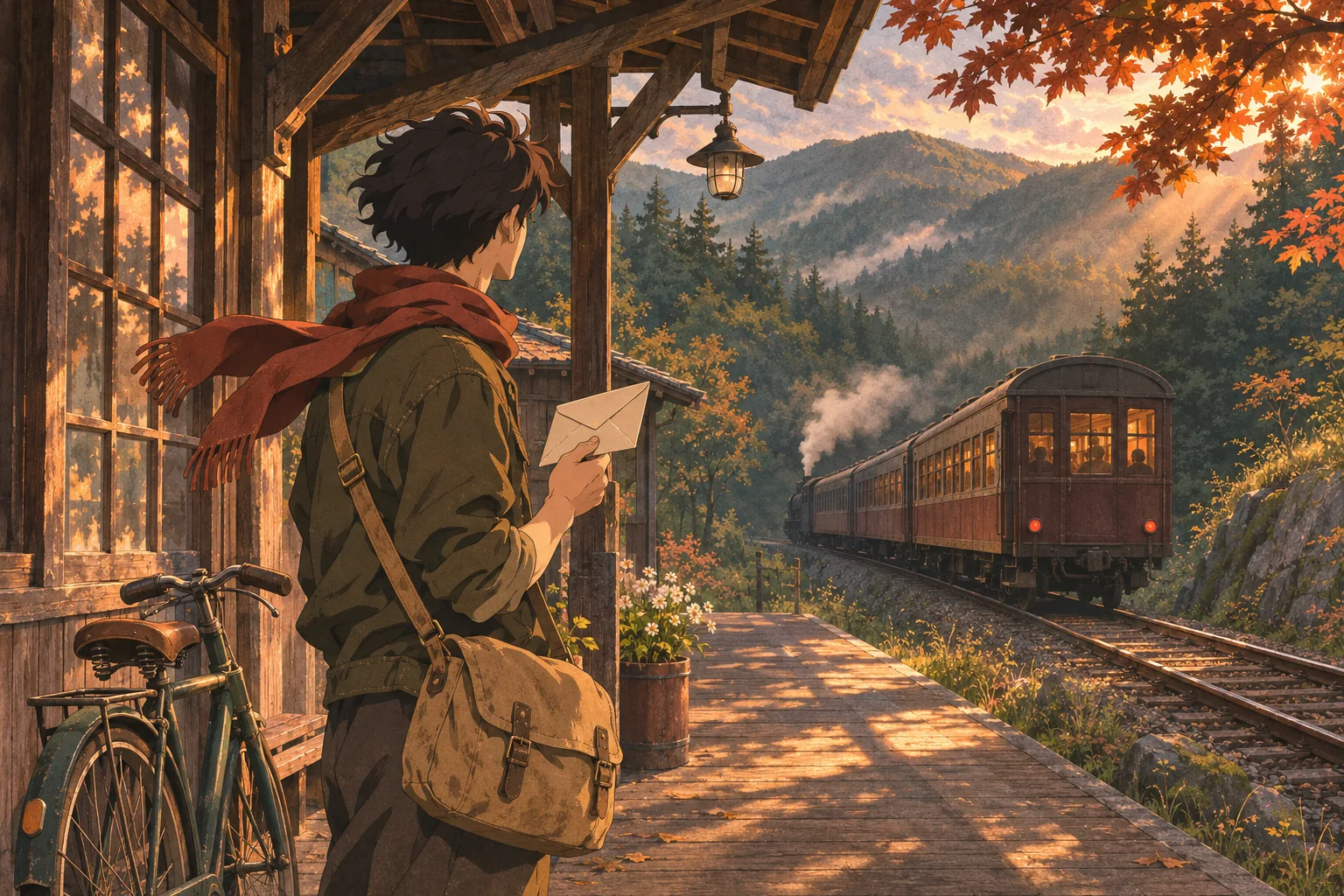
A bicycle courier reaches an old mountain station as the last train is about to leave. They hear the departure cue, look up, and grip the envelope still in their hand. Three shots can establish the place, show the reaction, and reveal what the missed train means.
Prepare three stills that cut together
Set the final aspect ratio first. For a horizontal teaser, compose each opening still in 16:9. Use a reference that shows the courier’s muted brick-red scarf, olive jacket, and canvas crossbody satchel. Keep the envelope cream, the late light amber, and the train traveling in the same screen direction where it appears. If you’re choosing a look for your own teaser, compare three lighting setups on one background before matching the light across shots.
If you need a first draft of the art, use the anime image generator for the station and the courier. Keep one clear portrait on hand as you change camera distance. The character consistency tutorial shows how to carry clothing and other identifying details across images.
Give each five-second shot one job
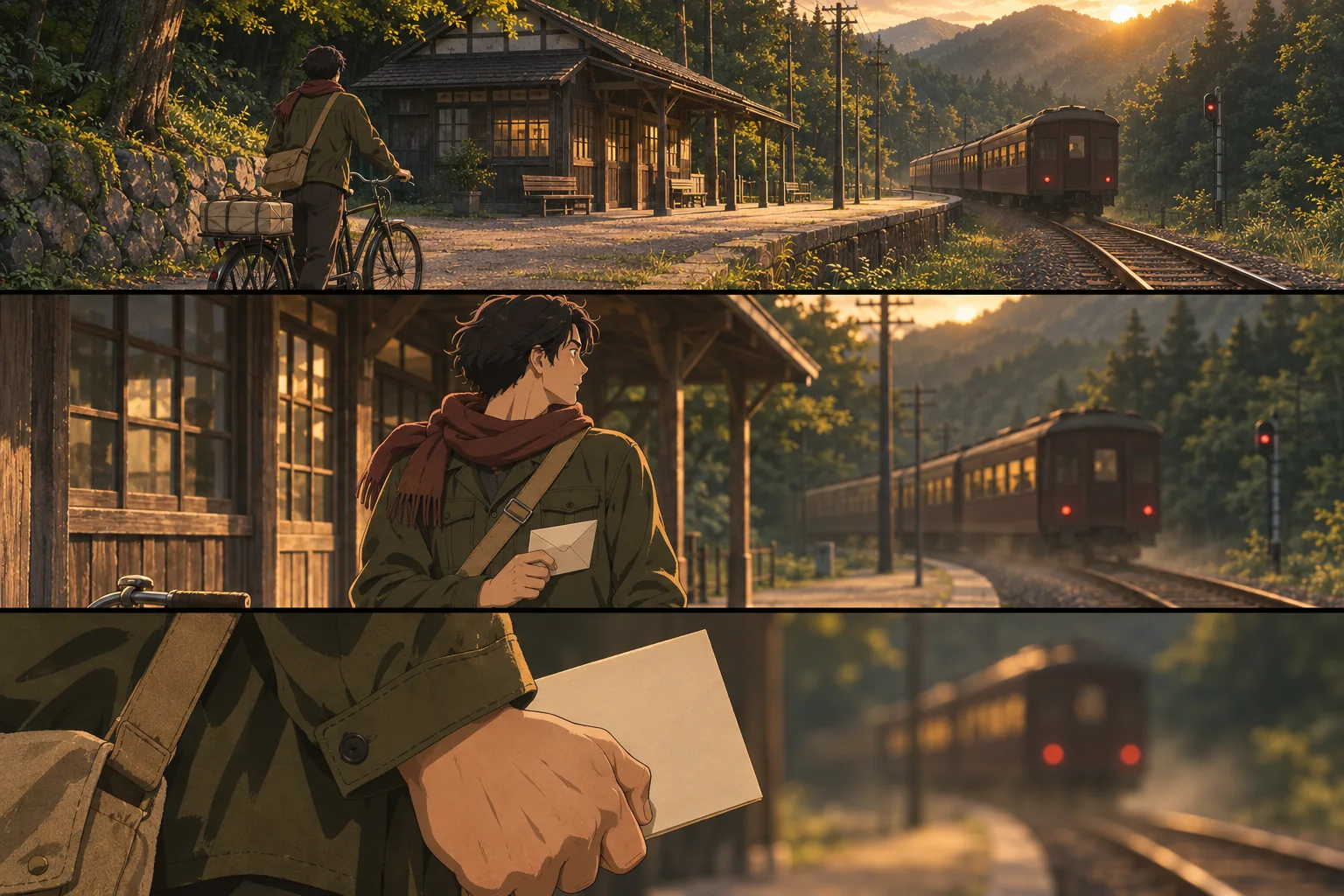
Illustrative storyboard, read from top to bottom. The shot sizes move from a wide station exterior to a medium reaction and then a close-up of the envelope.
0 to 5 seconds · Establish the station
Hold wide long enough to see the railway, the forest behind it, and the cyclist arriving. Leave the camera still and let the action happen in the frame. Cut once the courier reaches the platform.
Wide exterior of an old mountain station in amber late light. The courier rolls in from the left and brakes by the platform. Keep the camera locked and the station roofline steady.
5 to 10 seconds · Show the reaction
Start with the courier looking down at the bicycle. At the departure cue, they turn toward the train. Give the audience time to follow their gaze before cutting to the envelope.
Medium shot of the courier beside her bicycle. The courier hears the train about to leave, looks up, and turns toward the tracks. The muted brick-red scarf lifts slightly. Keep the olive jacket and canvas strap in place.
10 to 15 seconds · Reveal the undelivered letter
Cut in close to the cream envelope by the satchel. Let the courier’s grip tighten once as the train drifts across the soft background. Keep the last second quiet enough for the image to register.
Close-up of the courier’s hand tightening on the corner of a cream envelope beside a canvas satchel. The train moves softly in the background. Hold focus on the envelope and keep its shape steady.
Animate the shots separately with Image to Video and use each prepared still as its shot’s first frame. Try a five-second duration where the chosen model offers it, then trim the clips on the edit timeline. The storyboard motion tutorial explains how to separate camera moves, subject motion, and details that should remain fixed.
Place one music cue under the edit
Open the anime music generator and choose Instrumental only. Try sparse piano over a soft low string, with one marked note and a sustained ending. Listen for a phrase with space around the notes.
In a separate video editor, line up the three clips at 0:00, 0:05, and 0:10. Slide one music excerpt under them until its first clear accent lands near the courier’s turn at 0:05. Let it carry across the cut at 0:10. Fade the cue from 0:14 and trim picture and audio at 0:15.
Check the cut before export
- Watch on mute. The station, the reaction, and the undelivered letter should read from the images alone.
- Scrub across both cuts. Check the scarf, strap, envelope, warm light, and train direction where those details recur.
- Play once at full speed with sound. If the accent arrives early, slide the audio slightly. Confirm the last frame and sound end at 15 seconds.