
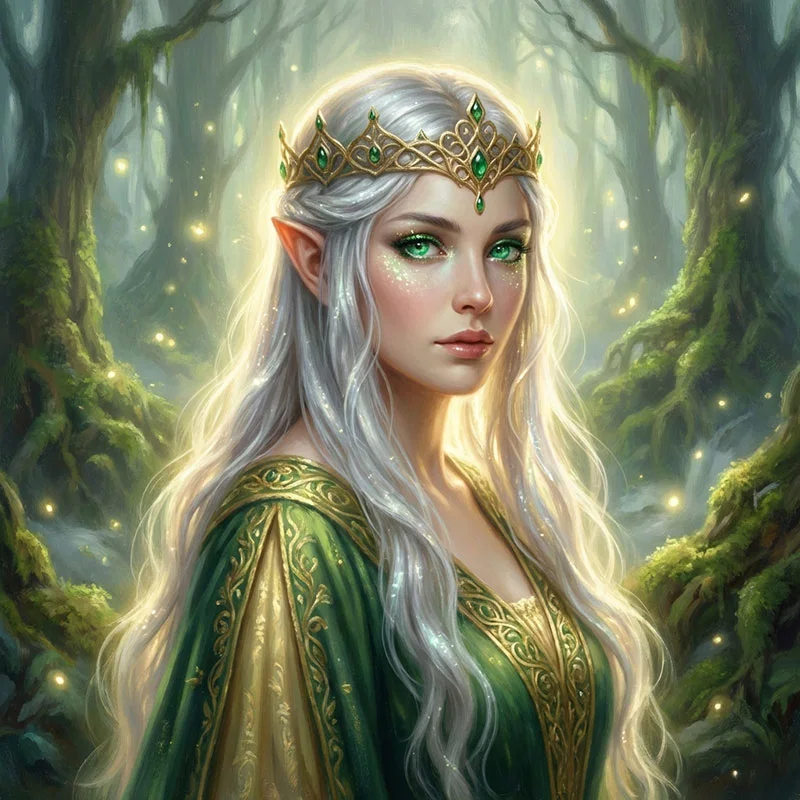
Character introduction
A young forest cartographer pauses under a cedar arch, a folded map in one gloved hand, moss-green coat, pale amber light and clean anime contours.
Create anime images, motion and music in one workspace.
Begin with a character, a finished frame, a clip you want to restyle or a music brief. Choose the output that moves your project forward from what you already have.
Select Image, Video or Music above. Switch the method to match your starting material, such as image editing when a face or composition should carry over.
Attach any source files the method needs. In the prompt, name the costume, framing, motion or mood that matters most, then describe your change.
Check the model options and credit quote before submitting. Open generation history to revisit finished work and download pieces for the next pass.
A young forest cartographer pauses under a cedar arch, a folded map in one gloved hand, moss-green coat, pale amber light and clean anime contours.
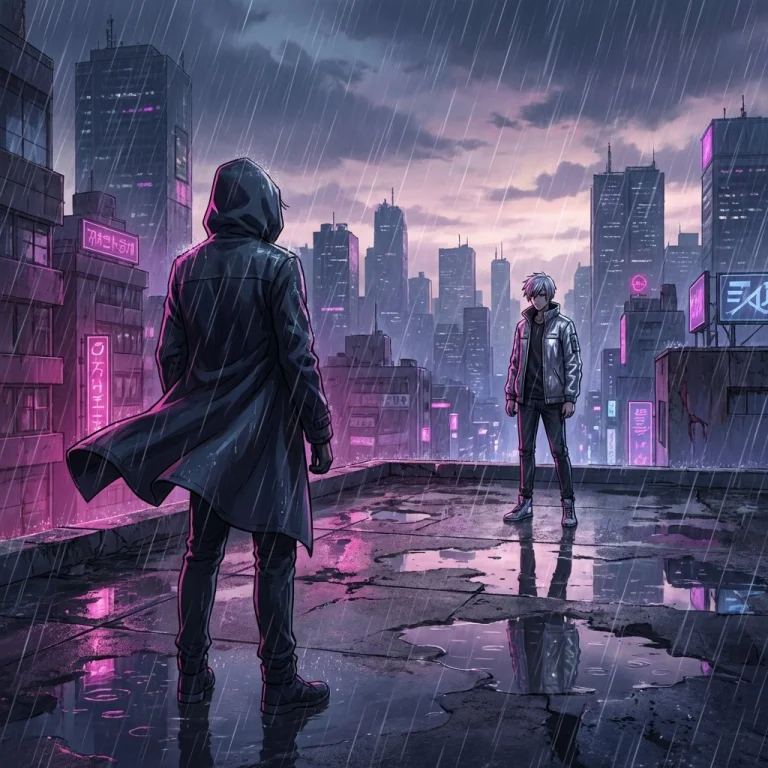
An empty station after the evening rain, soft reflections along the platform, the far windows still lit, overhead framing and cool blue shadows.
Yes. Choose text to image, text to video or music and describe your idea directly. The edit and reference methods require their listed source materials.
Sign in to the same account and open Generation history. The image, video and music libraries show completed works by format.
Download the still you want to keep, upload it to Image to Image for revisions, then upload the selected revision as a first frame in Image to Video.